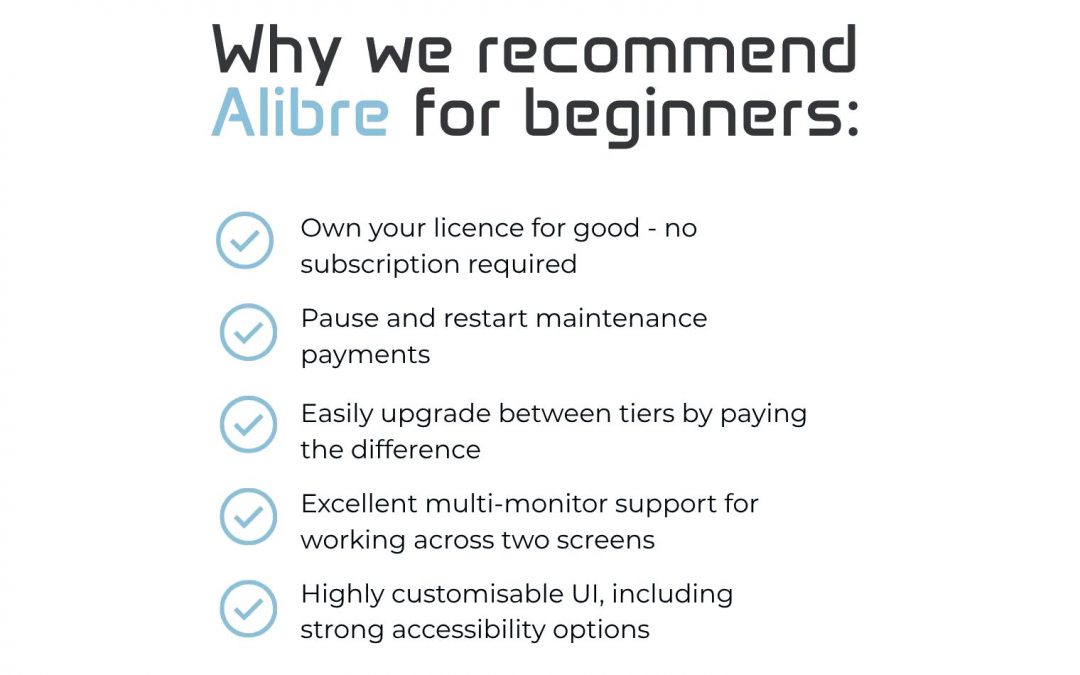
You might know that I’m a big fan of Alibre for my design work and it’s what I always recommend to beginners!
There are a lot of CAD systems out there, but for me it stands out in a few ways.
The licensing model is the first thing worth mentioning. Unlike a lot of the larger CAD companies with subscription-only models, Alibre lets you buy a permanent licence that’s yours for good.
You can pay an annual maintenance fee to stay on the latest version, but if circumstances change and you need to pause, you can.
Compare that to some other big names where maintenance often runs at around £1,500 per year and missed payments have to be backdated… 😬
An expensive CAD licence can quickly become worthless if life gets in the way, which is a big issue for small businesses and individuals!
A few other things I really like:
– Excellent multi-monitor support: Multiple linked windows open at once, rather than a toolbar awkwardly spanning two or more screens.
– Great UI scaling and colour scheme options, including accessibility settings for high-DPI displays, reduced vision and colour blindness
– You can upgrade between tiers by paying the difference, which is a real help when starting out
Alibre comes in three tiers. We use Alibre Design Expert for professional work, but for hobbyists and beginners, Alibre Atom3D is the one to look at!
If you’re new to CAD and want to learn Atom3D properly, my online training course is self paced, beginner friendly and clearly structured. It’s also a good option if you are looking at moving to Alibre from a different system.
It’s £25 for the full course, or 50% off with code MEW2026 👉 https://www.rf3dtraining.com/aboutatom3d101
RF3 Design Limited
The Grainger Suite, Dobson House
Newcastle Upon Tyne, NE3 3PF