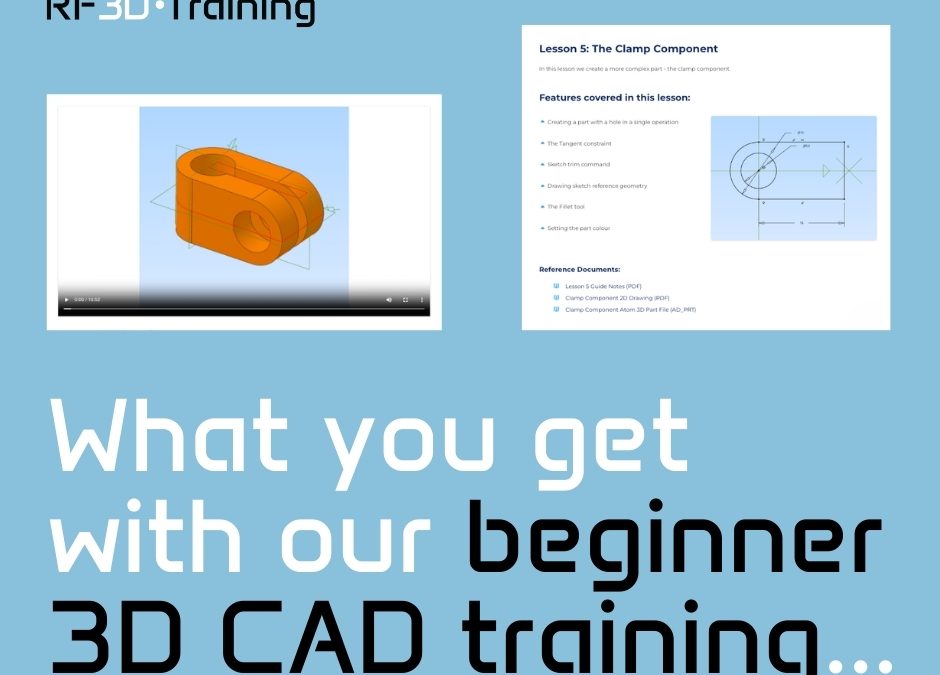
When you’re a 3D CAD beginner, the biggest challenge is often knowing what to do first with the software you’re using.
A lot of online CAD tutorials focus on a single function in isolation. That’s useful if you already have a decent level of experience but for beginners and hobbyists, it can be more confusing than helpful.
How does this relate to anything else? Why was that feature added? How would this fit into a real project?
That’s the main reason I created my training course: Alibre Atom 3D 101.
I designed it specifically for beginner users of Alibre Atom 3D, which I think is an excellent choice for beginners and hobbyists, as it’s less complex than other options, has a sensible and straight forward licence cost and no restrictive terms of use.
Instead of teaching disconnected features, each module walks you through how to build components that fit together to form a complete working assembly as a complete start to finish project.
You’re not expected to just know the next step or be told you need to use advanced tools without context.
The course starts at the beginning and progresses logically, breaking everything down into bitesize sections.
This helps you understand the workflow behind how parametric CAD actually works.
It’s the kind of training I wish I had when I started out!
If you’ve been meaning to learn 3D CAD or Alibre Atom 3D, or you’ve started and felt stuck, you can enrol in my course for just £25…
…but you can get 50% off using the code MEW2026 (limited time only!)
Sign up here: https://www.rf3dtraining.com/aboutatom3d101
RF3 Design Limited
The Grainger Suite, Dobson House
Newcastle Upon Tyne, NE3 3PF